

If you are looking to subtitle a video that is in a foreign language or has speech that is hard to hear or understand, subtitle burning may be the perfect option. Here we go through some of the Subtitle Burning and Formatting Specifications so you can decide what’s right for you.
When editing certain types of videos, understanding the difference between open and closed subtitles can be crucial. Closed Captions or closed subtitles can be turned on and off by users and their use is intended where there is compromised accessibility for the duration of a video. In contrast, open subtitles are burned onto video as an image.
Subtitle burning services are typically used to subtitle videos with short segments of foreign speech, accents or background noise, where it may be an inconvenient nuisance to manually turn on and off the subtitling. They can also be used on websites or social media sharing sites where videos are targeted specifically to foreign audiences in order to improve international SEO.

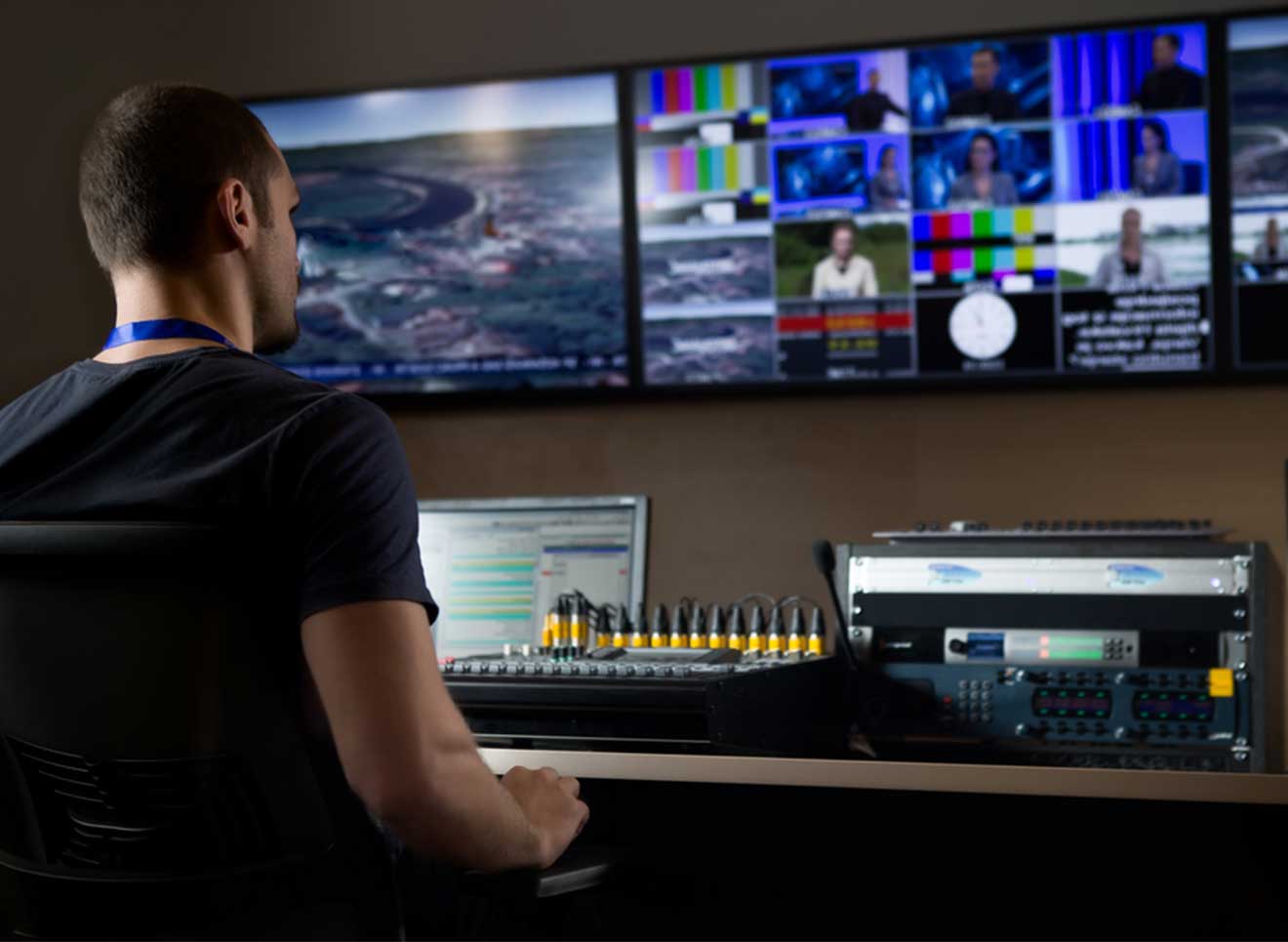
Subtitled Video Specifications
At Capital Captions, not only do we work to produce well written, impeccably timed and highly accurate subtitles, but we are also experienced in working with professional video editing. This means we can provide our clients with fully optimised subtitle burning services with no compromised quality to video footage.
Formatting and Styling Options
For professional clients accustomed to using specific formatting and video encoding options, we can export to:
AIFF, A10, AS-11, AVI, BMP, MP4, DPX, H.264 / MPEG4, MPEG2, MXF OP1a, OpenEXR, P2 Movie, QuickTime, ProRes, Targa, WMV, DCP and more…
Video Subtitle Specifications
We offer services to encode subtitles as sidecar files for use on DVDs, Blu-Rays and media players. We also offer encoding services for online video sharing sites.
Subtitles can be encoded as sidecar files for publishing and can be exported in a variety of caption formats including:
.XML, .SRT, .WebVTT, .EBU-STL, EBU-TT, DFXP, TTML, CEA-608, SCC and more…
In addition to exporting video in the above formats, we are able to provide .EDL format files which can be imported directly into Adobe Premiere Pro to use for professional video editing.